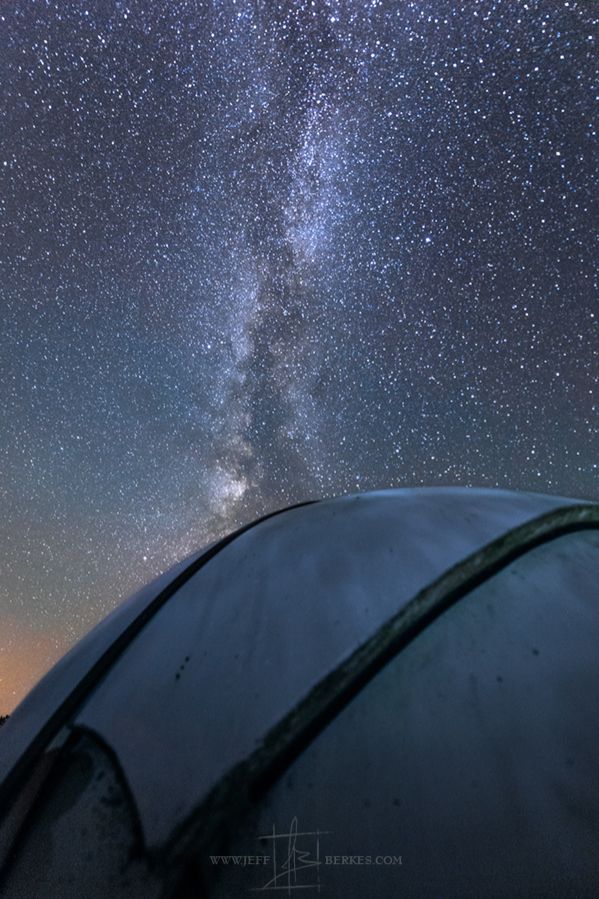
By Jeff Berkes | 2019-07-27
Order by: Trending (past 30 days)Date

On 07/31/2019 11:37 pm by Virginia MacDonald | Port Colbourne, ontario
This was taken at Morgan's Point. Across the water is Buffalo which obviously has light pollution but, I think it adds to the image. I tried a different way to bring out the color in the Milky Way.
Canon 7D Mark II Canon 10mm - 22mm Wide angle lens Tripod
Through camera RAW.
Set Contrast all the way up to 100 and compensate overall brightness using the Exposure slider. The image will then look nicer and brighter than the original.
Brought down Highlights slider to minimize effects of light pollution. This will make the stars appear sharper.
Setting the White Balance depends on your intention. You can set it Cool for a more “nightly” look or Warm for a more “stylized” look. Set White Balance by maxing out Vibrance and
Saturation, then moving the Temp/Tint sliders until you have a good balance of yellow, blue, magenta, and green. Set Vibrance and Saturation back to 0. Increase Clarity to taste, taking care not to introduce unwanted artifacts and too much noise into the photo.
Apply Noise Reduction. Attempt to minimize grain without smooshing out detail excessively.
